|
|
Features - Natalog Swimming Software
Natalog swimming software allows
- coaches to track their team's results,
- swimmers to track their own swims,
- parents to track their children's results, or
- dedicated fans to track the results of their favorite teams.
As a user of Natalog, you can
Swim Meets
- Load an unlimited number of swim meets, their entries, and their results. Natalog can import
- Hy-Tek commlink (.cl2) files
- Hy-Tek HY3 files
- USA Swimming SDIF (.sd3) files
- USA Swimming XSDIF (.xml) files
- Lenex 2.0 and 3.0 (.lxf) files
- Hy-Tek HTML results, heat sheets, and psych sheets
- Hy-Tek EV3 event files
- Zipped (.zip) versions of these files
- Load live results, or real-time results, into Natalog.
- Receive alerts when live results have been posted.
- Load multiple meet files at a time.
- Drag and drop files and web links into Natalog.
- Load various meet formats, including dual meets, invitationals, and meets with diving.
- View a list of loaded swim meets.
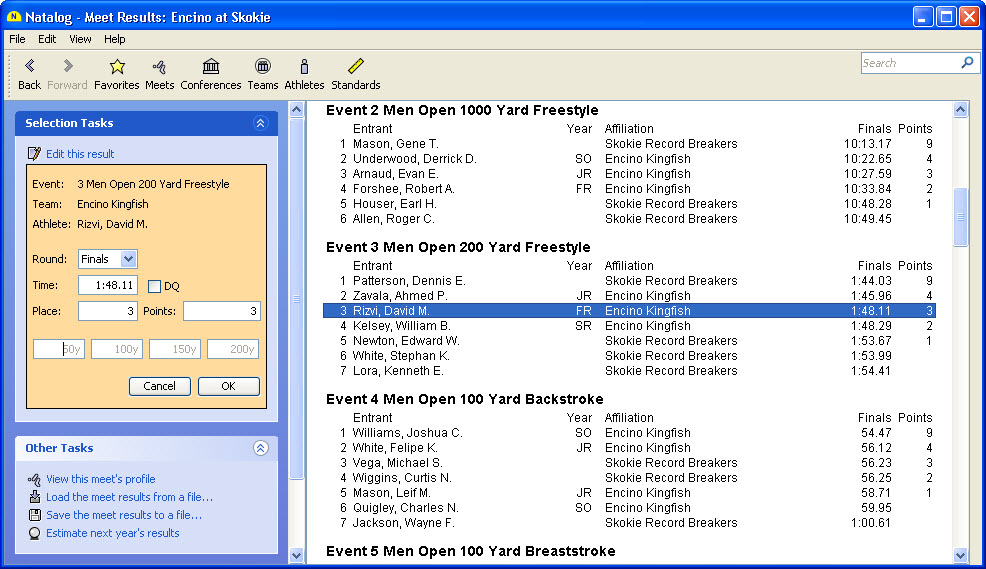
- View the full results of a meet that you have loaded. Results include seed time, prelim time, semi-finals time, finals time, relay splits, place, and points scored.
- View a swim meet's list of events, including event number, sex, age group, stroke, and distance.
- View a swim meet's list of participants, including their individual and relay event counts.
- View results for a single meet event or for a select group of events.
Swimmers and Divers
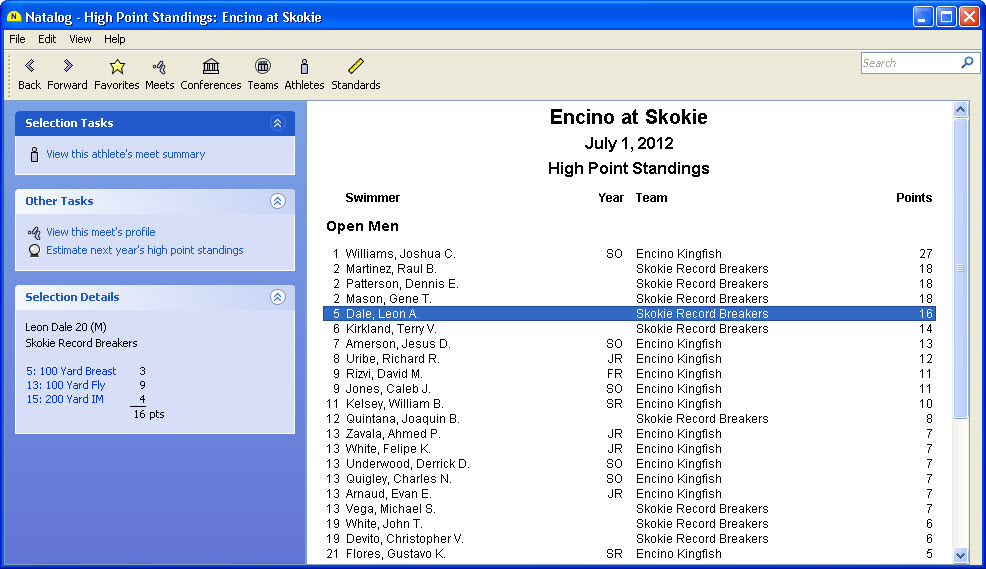
- View a list of all the swimmers and divers that participated in the loaded meets.
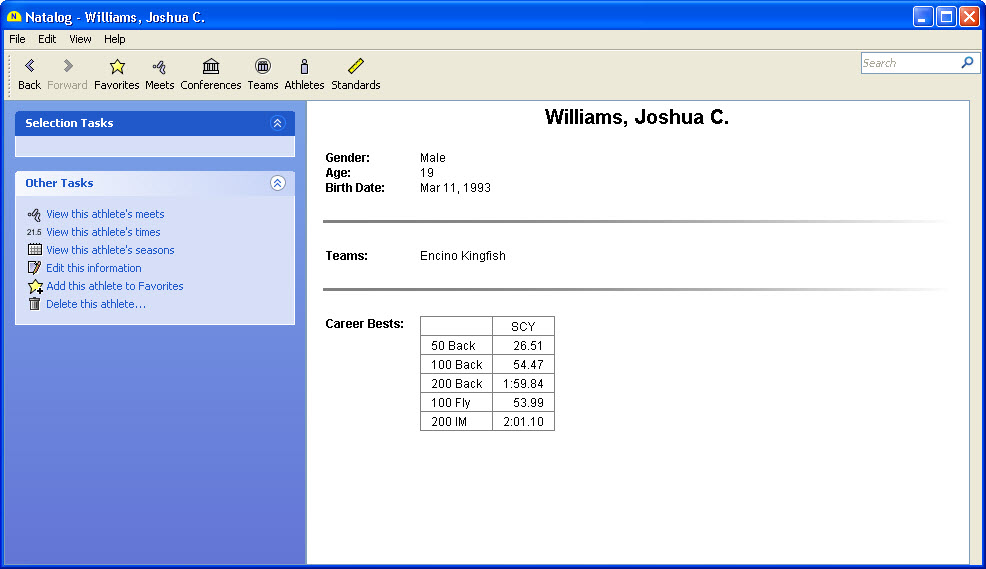
- View a swimmer or diver's profile, which includes his or her name, gender, age, date of birth, teams, and personal best times.
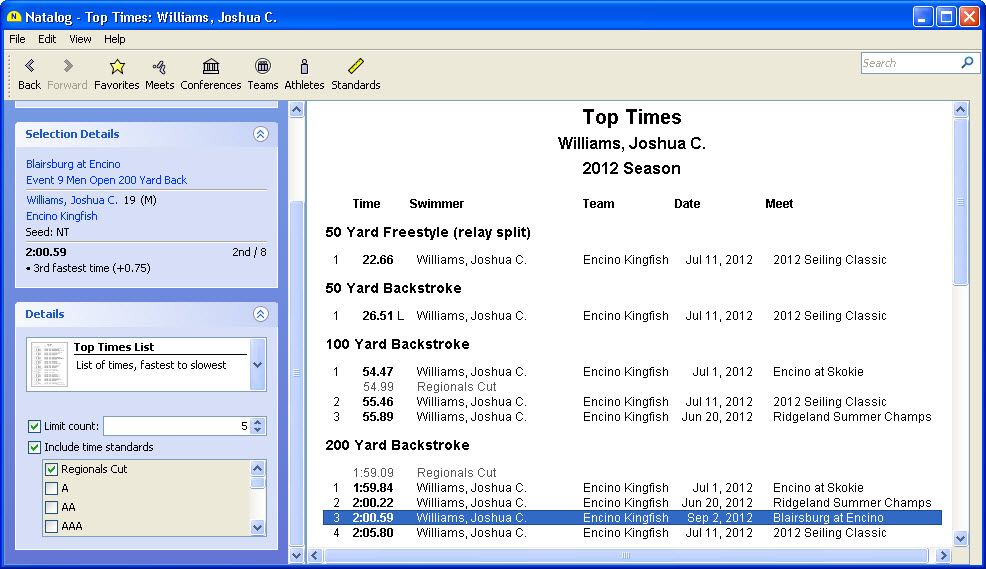
- View a list of a swimmer or diver's top times based on the loaded meet results.
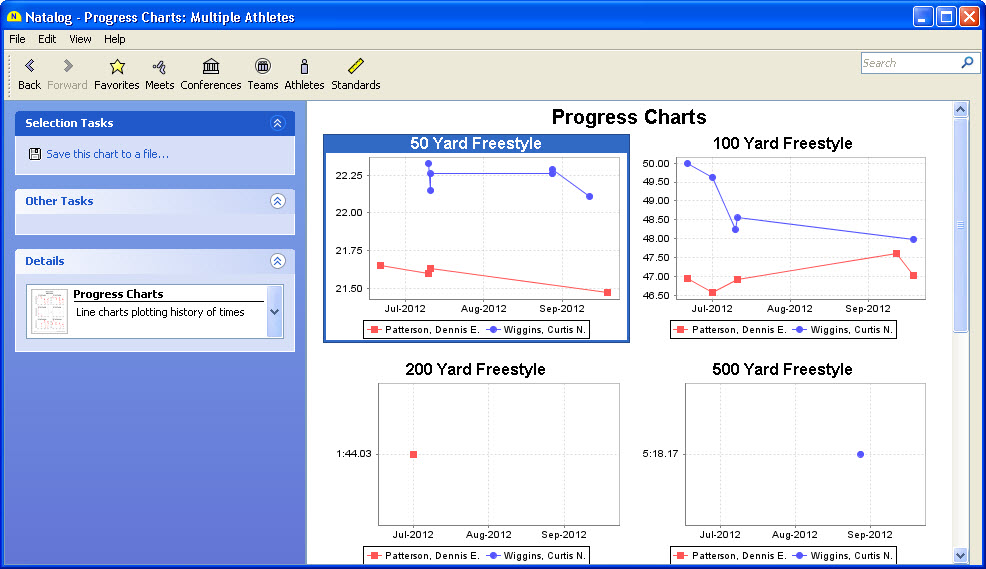
- Chart a swimmer or diver's progress.
- Compare any number of swimmers' and divers' best times in a combined list or progress chart.
- View a swimmer or diver's list of meets.
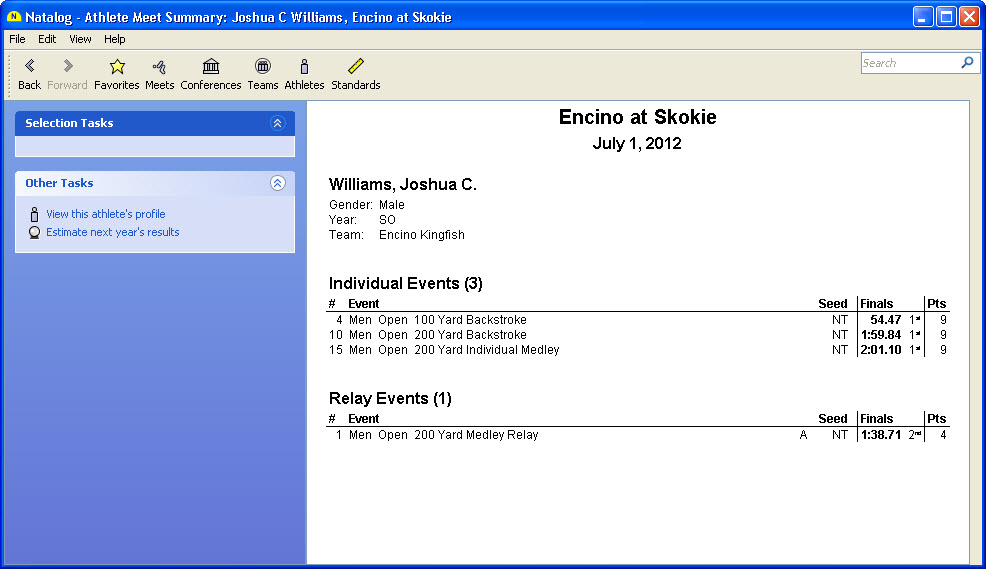
- View a swimmer or diver's summary for a particular meet. The summary includes his age, team, entries, and results.
- Mark an unlimited number of swimmers and divers as Favorites for quicker access to their information.
- View a list of your Favorite swimmers and divers.
- View a list of your Favorite swimmers' and divers' recent meets.
- Add a new swimmer or diver by hand.
- Correct a swimmer or diver's personal information.
- Merge duplicate swimmers and divers.
- Delete a swimmer or diver if he or she does not have any results. Deletion can be done individually or in bulk.
Swim Teams
- View a list of all the teams that participated in the loaded meets.
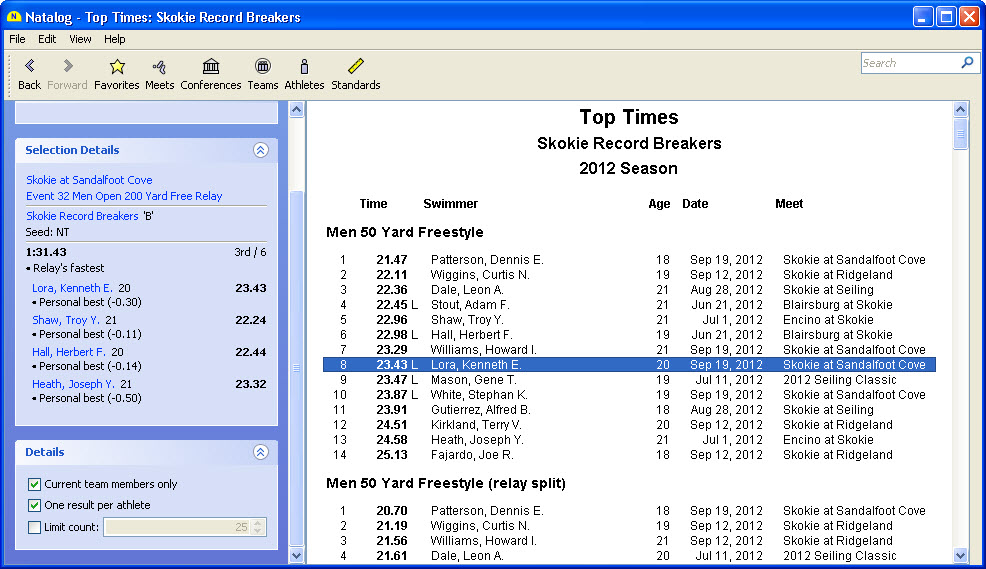
- View a list of a team's top times based on the loaded meet results.
- Compare any number of teams' best times in a combined list.
- View a team's list of meets.
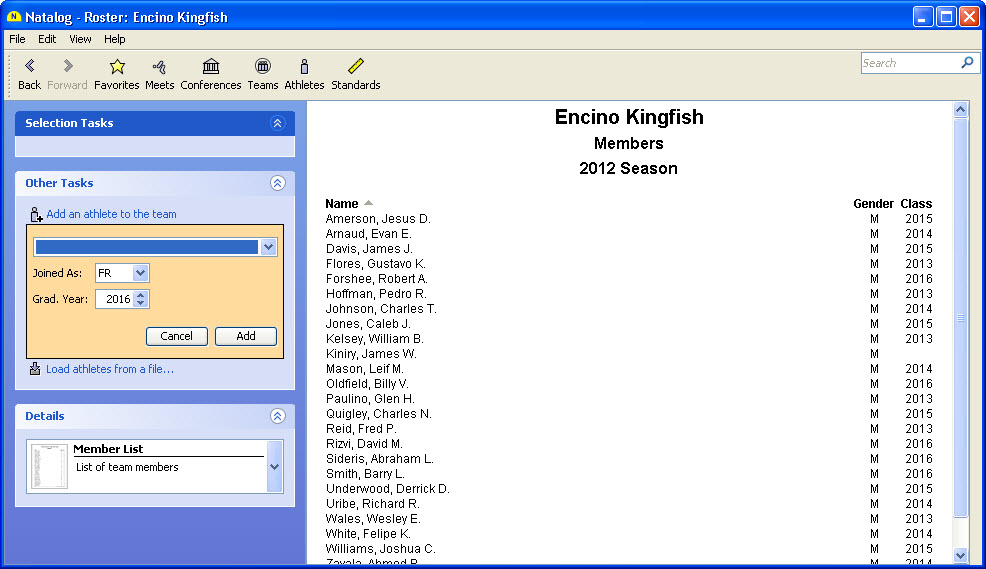
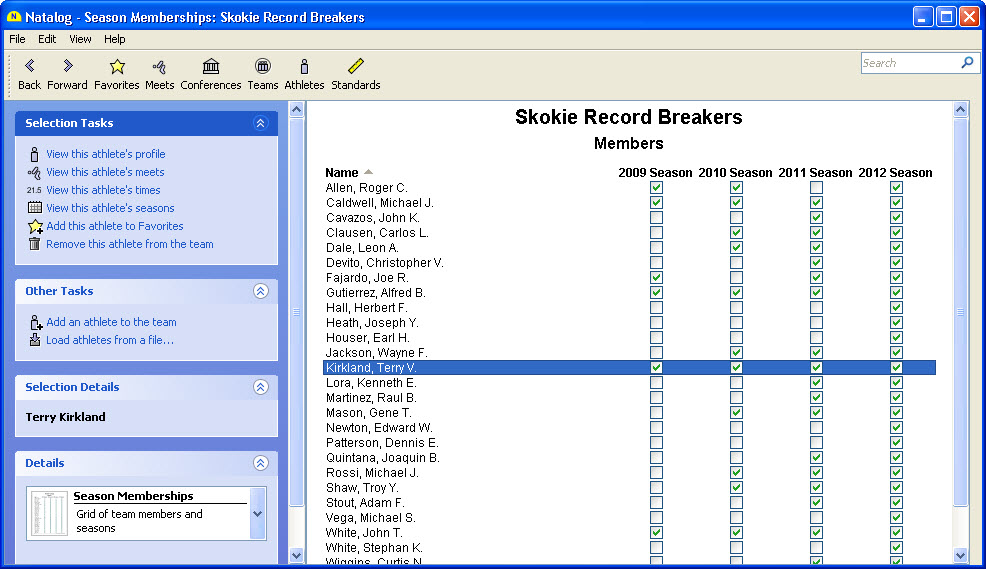
- View a list of swimmers and divers who have competed for a team.
- Mark an unlimited number of teams as Favorites for quicker access to their information.
- View a list of your Favorite teams.
- View a list of your Favorite teams' recent meets.
- Add a new team by hand.
- Correct or update a team's name and address.
- Add or remove a swimmer or diver from a team.
- Merge duplicate teams.
- Delete a team if it does not have any results. Deletion can be done individually or in bulk.
Top Times
- Show top times for a single swimmer or diver. Top times include relays, relay splits, relay lead-off times, and diving events.
- Show top times for a select group of swimmers and divers.
- Show top times for a single team.
- Show top times for a select group of teams.
- Filter top times by date.
- Control how many top times are displayed for each event.
- Allow only one best time per athlete or multiple best times per athlete.
- Enter a swimmer's career best times by hand.
Time Standards
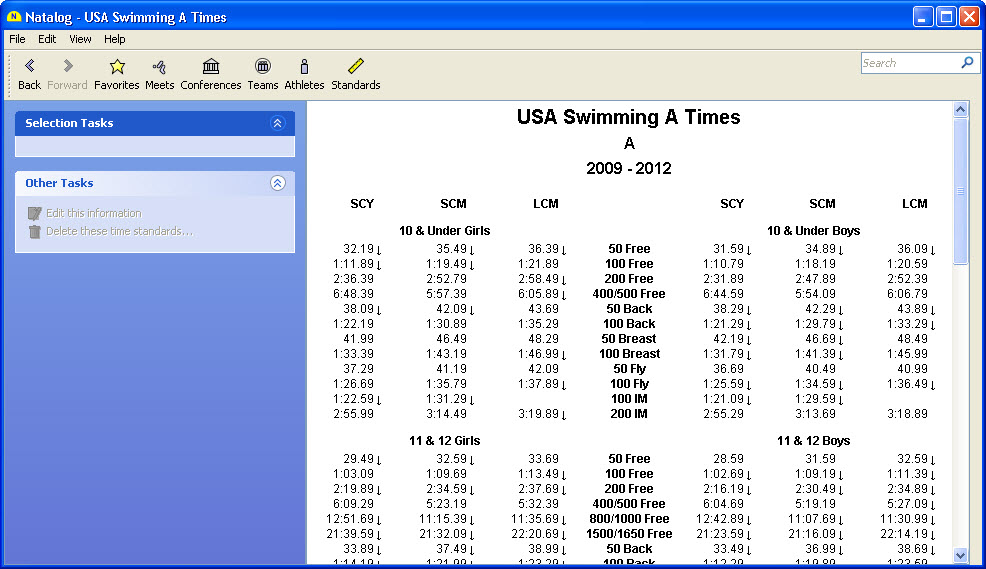
- View USA Swimming's 2005-2008 and 2009-2012 Motivational Times.
- Add custom time standards by hand.
- Delete custom time standards. Deletion can be done individually or in bulk.
- Include time standards in a swimmer's list of top times.
General Features
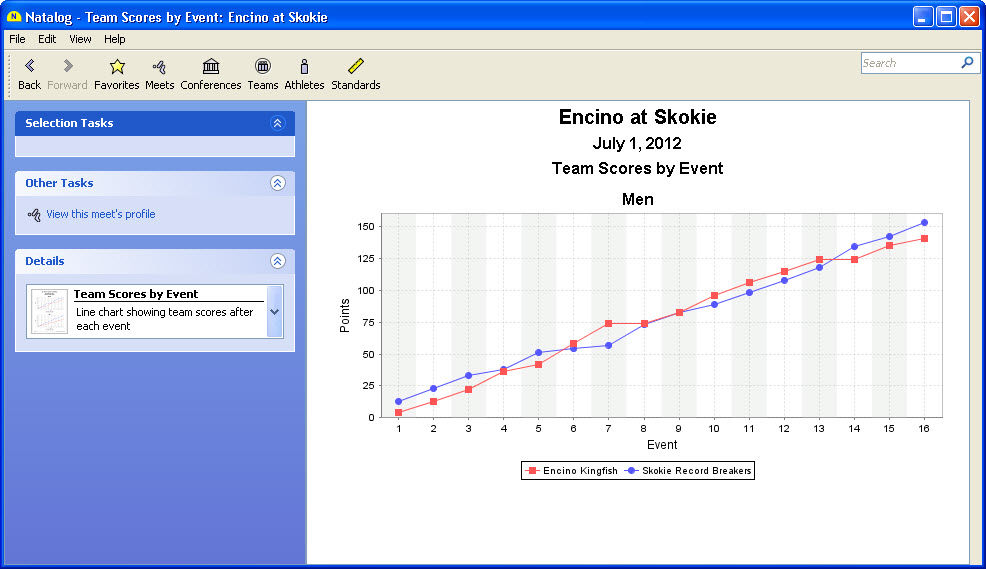
- Think of every page/window of the software as a report.
- View reports directly in a familiar browser-like fashion. Back and Forward buttons make it easy to re-visit previously viewed reports. Reports update automatically, making it unnecessary to manually refresh them.
- Interact with reports directly. Any changes you make are saved automatically.
- Undo and redo any operation that changes your information.
- Save any report to a PDF, HTML, comma-delimited, or tab-delimited file.
- Print any report.
- Preview any report before printing it.
- Search for text on any report to make it easier to find, for example, a particular swimmer's results during a large meet.
- Watch the progress and interrupt long-running tasks.
- Sort the rows of a table on most reports.
Ready to use Natalog? Subscribe and install the software here.
View some screenshots on the version history page.
Want more features? Let us know.
Copyright © 2010 Natavision | About Us | Contact Us | Affiliates
|